StackWave is pleased to announce the release of Affinity 20. The centerpiece is a new plasmid construction workflow that runs from initial design or selection of backbone through amplification, transformation, and sequence verification to aliquots in the freezer. Scientists can request a plasmid build directly, but Affinity will also start the process when a protein requested for expression turns out to have no plasmid.
A Protein with No Plasmid
When a protein comes up for expression without a plasmid, building that plasmid may start as a cloning job in a spreadsheet or an email to the molecular biology group, with the sequence copied and pasted along the way. Affinity captures your plasmid build requests directly from scientists or automatically for any expression requests that are missing a required plasmid. Each build request shows the sequence that was requested, queued for the molecular biology group to review and assign.
Designing the Construct
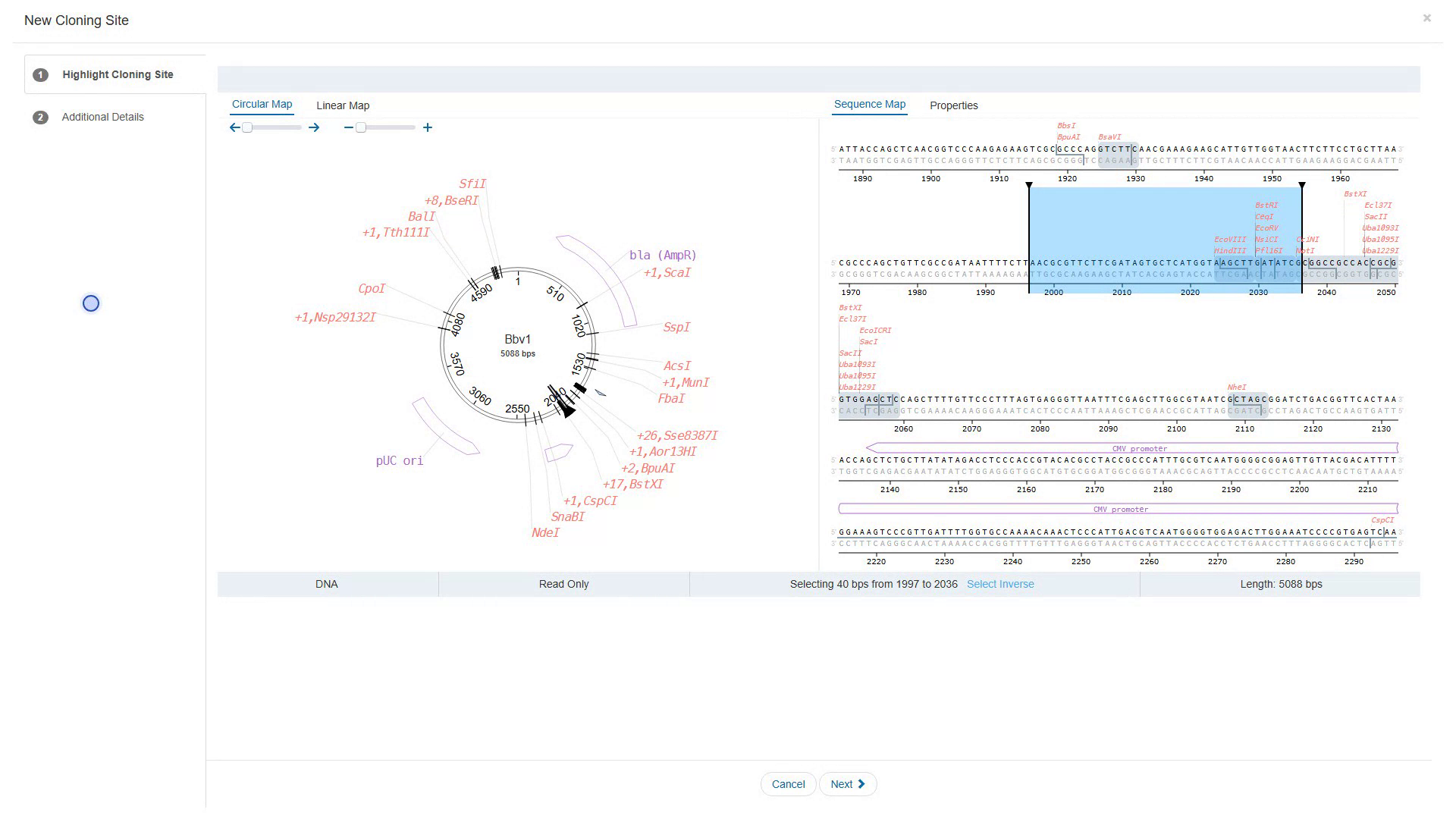
Affinity keeps backbone vectors, requested sequences, and your entire catalog of sequence parts in one place, all of which come together in the design tool for creating your cloning vectors. Pick a backbone, then choose how the insert goes in; if it is a protein sequence, it is back-translated using the codon usage of a species you select. Select restriction digest or Gibson assembly and Affinity will automatically generate the insert required for your cloning operation.
What Happened at the Bench
Throughout the workflow, every reading stays with the build. Amplify the insert and record the yield. When you transform, note the strain, the antibiotic, and the total colony-forming units. By the time the sequencing comes back, all of it is in front of you, beside the requested sequence. Upload the trace, and Affinity computes the alignment and shows the expected sequence over your read, with the chromatogram beneath it. Look it over, and mark the build verified or invalid. A build marked invalid ends there, and no plasmid is registered.
Into the Freezer
A verified plasmid is not finished until it is somewhere you can find it again. The plasmid and its lot were registered when you marked the build verified. Split the lot into aliquots, giving each one its volume and concentration, then decide how many tubes go to inventory and how many go back to whoever asked for the build. Give every tube a place, down to its position in a box. Back on the build request, the sequence that was asked for is still there, and beside it is the plasmid that was built from it.
Each stage starts from what came before it, which is why the build reads as one piece of work rather than a string of jobs that happened to run in order.
See it in action
To see these capabilities in action, please request a demo, and a 14-day free trial is available at stackwave.com.